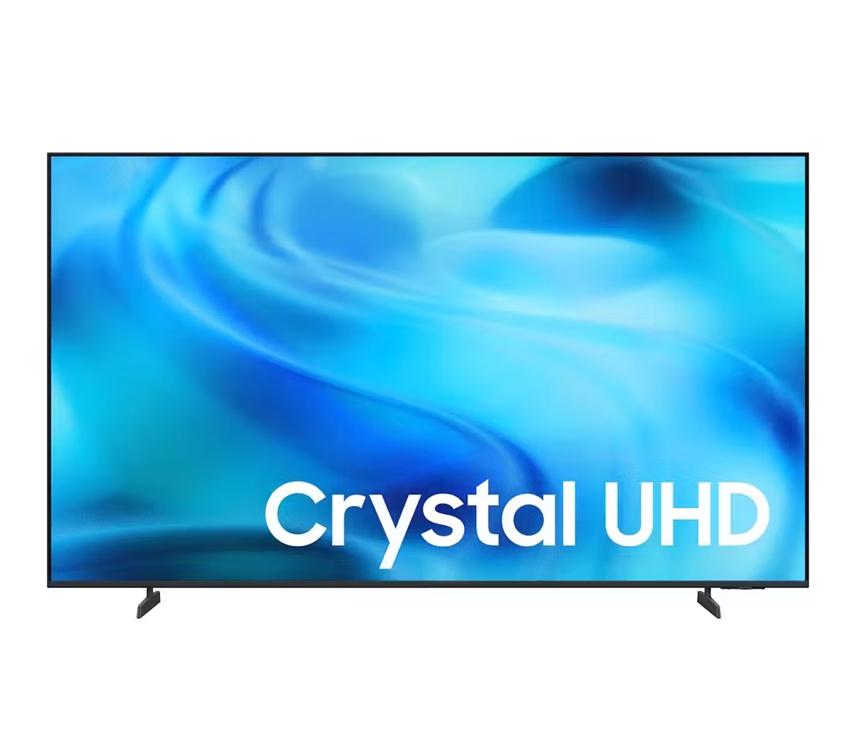
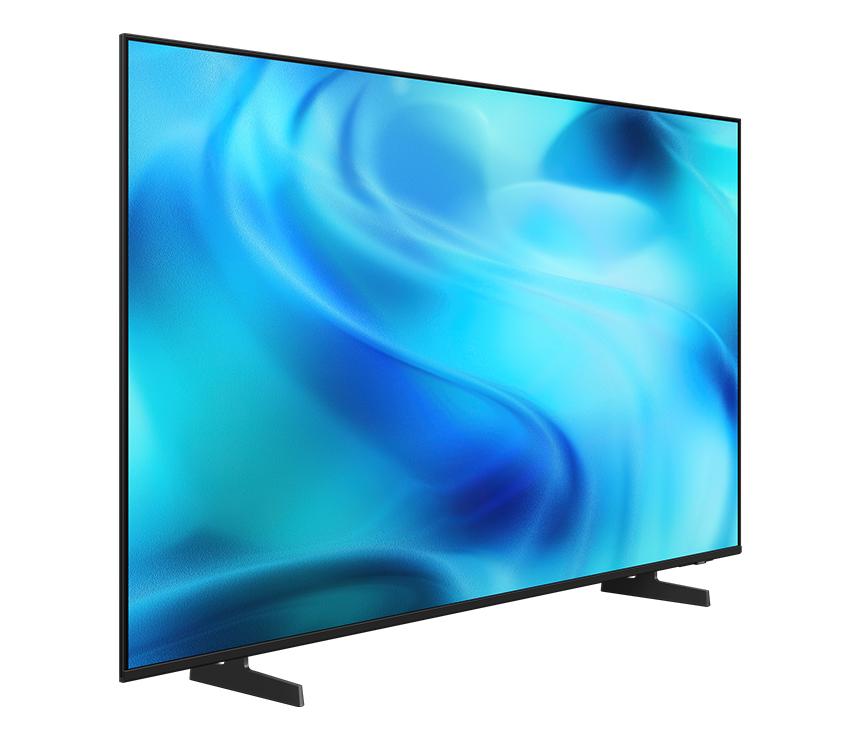
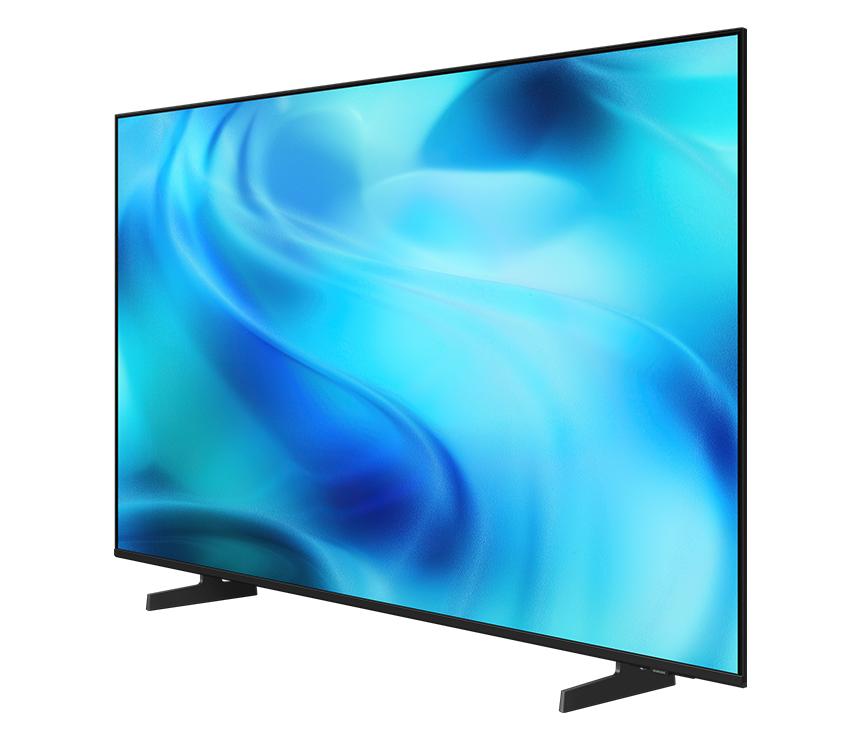
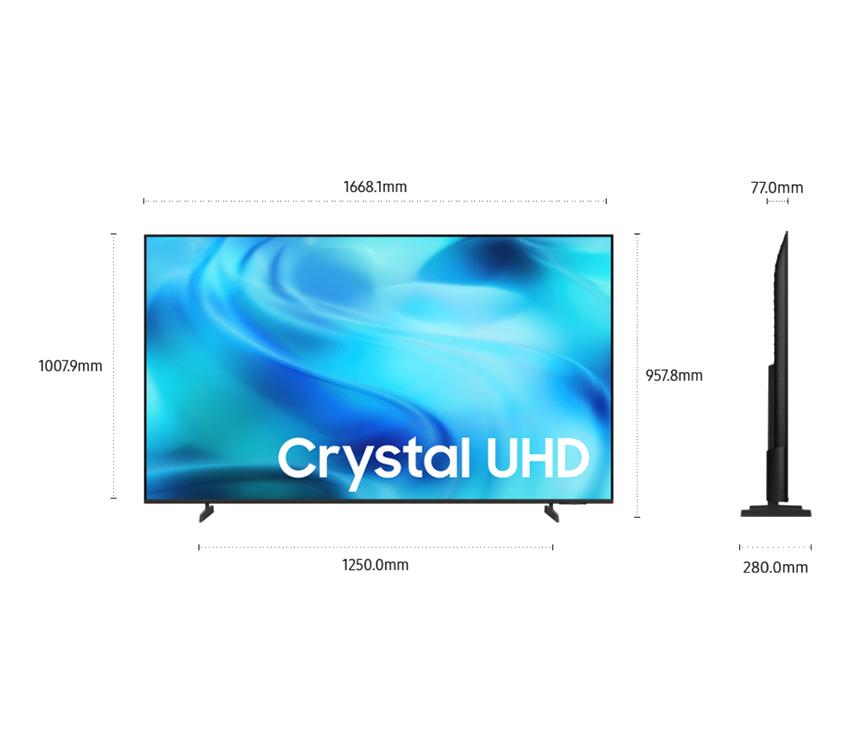
Samsung 55" Crystal UHD 4K Smart TV| UA55U8500HRSER
Model:
55U8500HSHARE:
The answer to your dynamic moments
A Samsung TV stands in a clean, minimalist space, playing flowing blue and green abstract visuals. Samsung Vision AI logo.
Key features at a glance
Ask your companion anything. Samsung Vision AI is here.
Samsung Vision AI Companion
Getting assistance from AI is now more engaging with Vision AI Companion on your TV. Whether you ask about your content or everyday topics, it instantly delivers video and image responses through multiple AI agents — offering a rich, personalized experience on the big screen.1
Picture Quality
Sharp detail and rich color as intended in powerful 4K Crystal Processor 4K
Crystal Processor 4K enhances lower-resolution sources with powerful 4K upscaling, revealing clearer detail and sharper lines for more realistic picture quality. It also brings out rich, accurate color by analyzing scenes with advanced processing.
A Samsung Crystal Processor 4K chip is laid out on a TV's main board with glowing power lines.
More about Picture Quality
Watch your favorite content in 4K
4K Upscaling
Samsung's powerful 4K upscaling technology ensures you get
up to 4K resolution for the content you love.3
Playing video
Intelligently enhances color expression Color Booster
Color Booster transforms the way you experience TV by
intelligently enhancing color expression, making each scene more vivid and
dynamic.4
SHAPE \MERGEFORMAT
Fine-tuned colors for a vibrant, lifelike picture PurColor
PurColor makes watching films feel almost like you're there. It enables the TV to express a huge range of colors for optimal picture performance, and an immersive viewing experience.
SHAPE \* MERGEFORMAT
Enjoy better contrast with rich darks and bright lights HDR
High Dynamic Range expands the difference between the brightest and darkest areas on screen, revealing a wider range of colors and finer visual detail. From luminous daylight scenes to dimly lit moments, HDR helps scenes appear more vivid and true to life. SHAPE \* MERGEFORMAT
SHAPE \ MERGEFORMAT
Feel the reality of the world on screen 4K Resolution
Make out the small details in every scene. 4K UHD resolution has 4x more pixels than regular FHD resolution — creating sharp, ultra-realistic images.
Sound
One immersive sound experience
Dynamic Sound Pack
Object Tracking Sound Lite
3D surround sound with our virtual top channel audio allows you to be immersed in the audio experience.
Adaptive Sound
Adaptive Sound has audio scenic intelligence that optimizes sound based on
real-time scene analysis by content type.5
Q-Symphony
Q-Symphony unites your TV and soundbar to play sound
simultaneously in perfect harmony. With AI trained on thousands of audio
sources, it creates immersive surround sound that heightens your viewing
experience.6
One UI Tizen
Personalize your screen experience One UI Tizen
One UI Tizen delivers a seamless and consistent Samsung device experience. Samsung Tizen OS lets you take advantage of the latest innovative Samsung features — including quick access to the content you love, convenient AI management and powerful protection with Samsung Knox Security. Plus, One UI Tizen will support Tizen OS upgrades for next seven years, bringing you the latest apps & services.7
Enjoy 7 years of new TV experiences
Tune in to a world of free channels Endless Free Content
Access free channels, including Samsung TV Plus premium channels. Enjoy news, sports, movies, entertainment, music, kids’ shows and more. With new content continuously added, there’s always more to explore.
Array of screens showing various content. Aerial shot reveals more screens and vast amount of content available. Endless Free Content. Other screens appear. Experience, smart, beyond. Screens move to the side as if scrolled through. TV show, sports, movie, drama, music. Upscale Your Entertainment.
The best of TV. All for free. Samsung TV Plus
Dive into a vast collection of movies, hit shows and live news. Samsung TV Plus brings you livestream events, top-tier Creator Channels, and is a premier destination for K-content. It comes installed for free on your TV — no payment, subscription or setup required.9
Your privacy. Secured. Samsung Knox Security
Samsung Knox Security helps keep your TV protected at all times. Sensitive data such as passwords stays safeguarded, connected IoT devices are actively monitored and harmful apps or sites are blocked automatically. With ongoing security updates, your TV stays secure and ready for safe viewing.10
Gaming Experience
Improved picture clarity with smooth motion Motion Xcelerator
Experience a clear picture with Motion Xcelerator as your TV estimates the movement between frames, then uses that information to improve motion smoothness for subsequent frames.
SmartThings
Do the SmartThings! SmartThings
Optimize your home devices for a smarter lifestyle. Enjoy a
customized smart home experience with thousands of SmartThings-compatible
devices that simplify your day-to-day life.11
A modern living room with a wall-mounted Samsung TV displaying the SmartThings dashboard, showing connected devices across different rooms. Icons around the space represent lights, air conditioning, blinds, appliances and a robot vacuum, all controlled from a single screen. The view zooms into the TV to reveal the SmartThings interface in detail. The stand-light icon is selected, and when its power button is activated, the floor lamp in the living room turns on. The interface then transitions to the blinds icon, and when its power button is activated, the living room curtains open. The view zooms back out to the full living room, now showing all connected devices active and working together. SmartThings logo, matter logo.
More about SmartThings
Playing video
Control your TV straight from your phone Quick Remote
With Quick Remote in the SmartThings app, your phone works as a remote, letting you change channels, manage volume and more — straight from your mobile device. You can also access key Samsung Tizen TV features, explore media and adjust settings with ease.
Playing video
Manage energy with intelligent analysis AI Energy Mode
Make energy management easy with SmartThings. By turning on AI Energy Mode, it auto-detects surrounding light levels and analyzes usage behaviors to adjust the brightness. It also analyzes the content scene-by-scene to subtly adjust brightness and help manage energy consumption where possible.12
SHAPE \MERGEFORMAT
Transform your TV into a karaoke stage Karaoke
Transform your TV into a karaoke stage, with your phone as
the mic or wireless microphones. Start singing with friends and family, filling
your living room with fun, energy and lively entertainment.
Design
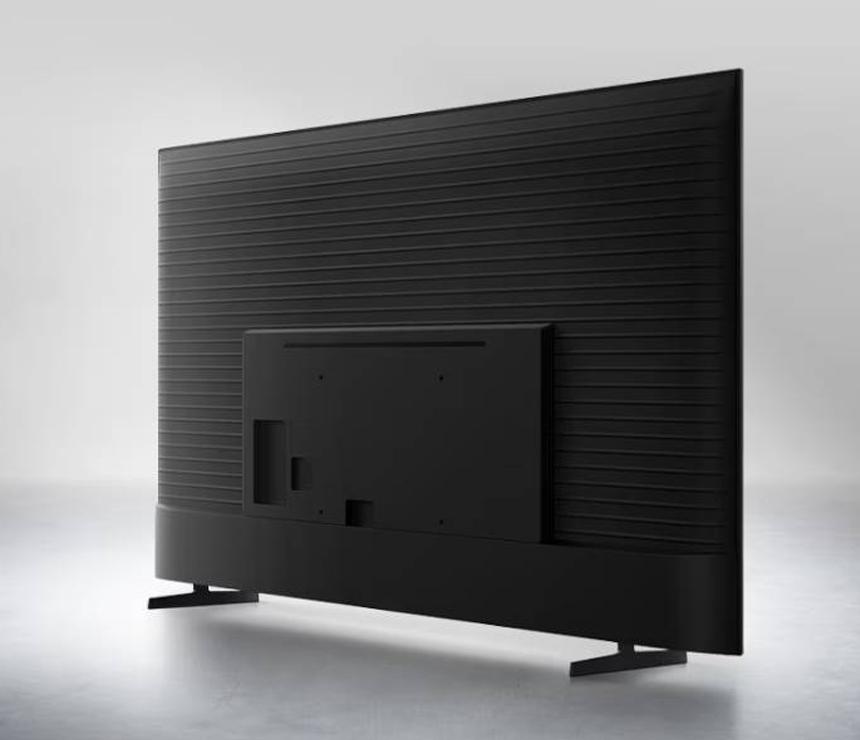
Elegant metal stream design to upgrade your space
MetalStream Design
Inspired by aircraft design, the MetalStream Design features a luxurious metal body. With no additional bezel required, a single sheet of metal is used to create a slim bezel, enabling a truly immersive experience.
| Category | Specification | Value |
| Overview | Resolution | 3840 x 2160 |
| HDMI | 3 | |
| USB | 1 x USB-A | |
| Product Type | LED | |
| Display | Screen Size | 55" |
| Refresh Rate | 60 Hz | |
| Resolution | 3840 x 2160 | |
| Video | Picture Engine | Crystal Processor 4K |
| HDR | HDR | |
| HDR10+ | Support | |
| Contrast | Mega Contrast | |
| Micro Dimming | UHD Dimming | |
| Contrast Enhancer | Contrast Enhancer | |
| Motion Technology | Motion Xcelerator | |
| AI Upscale | 4K Upscaling | |
| Color Booster | Color Booster | |
| Filmmaker Mode | Yes | |
| Audio | Object Tracking Sound | OTS Lite |
| Q-Symphony | Yes | |
| Sound Output | 20 W | |
| Speaker Type | 2ch | |
| Adaptive Sound | Adaptive Sound | |
| Smart Service | Operating System | Tizen Smart TV |
| Bixby | Yes | |
| Samsung TV Plus | Yes | |
| Web Browser | Yes | |
| Connectivity | Wi‑Fi | Wi‑Fi 5 |
| Bluetooth | 5.3 | |
| HDMI | 3 | |
| eARC | Yes | |
| Design | Design | Metal Stream |
| Front Color | Black | |
| Stand Color | Titan Gray |
Best TV Price List in Bangladesh (BD) for October, 2026
| Product Model | Price |
|---|