OFF12%

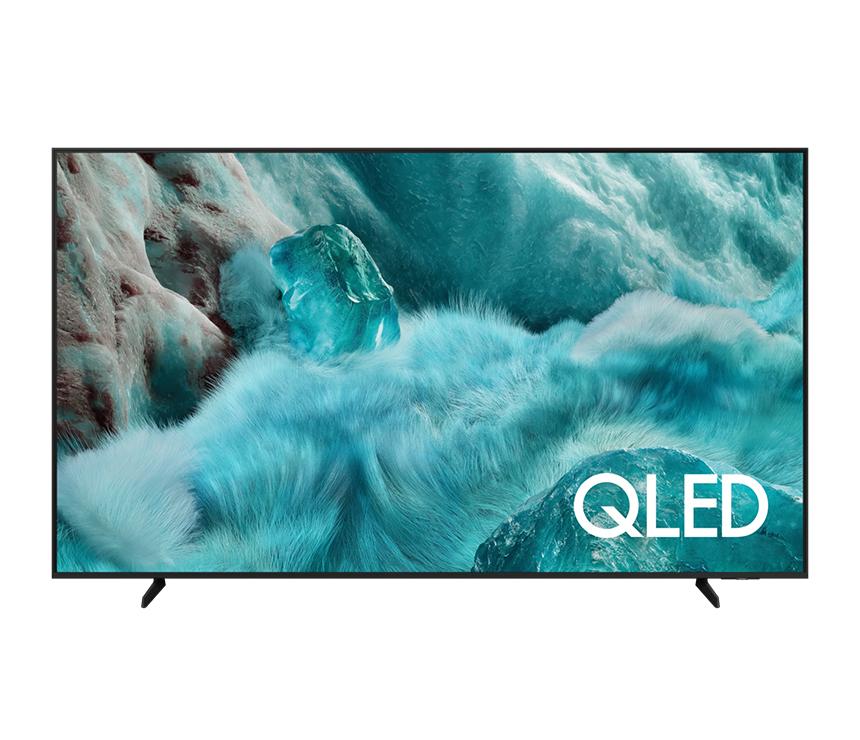
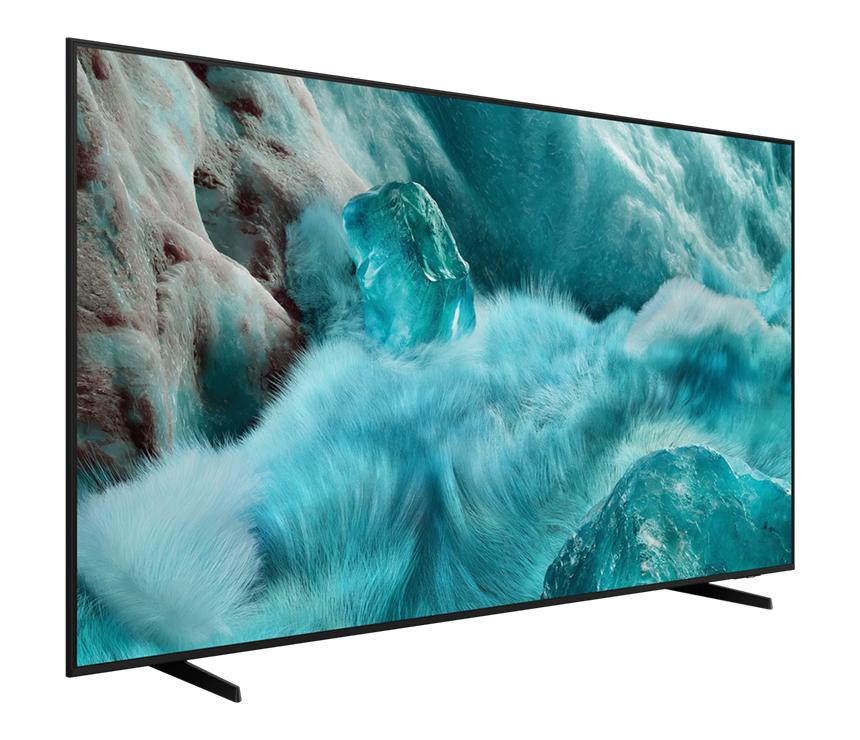
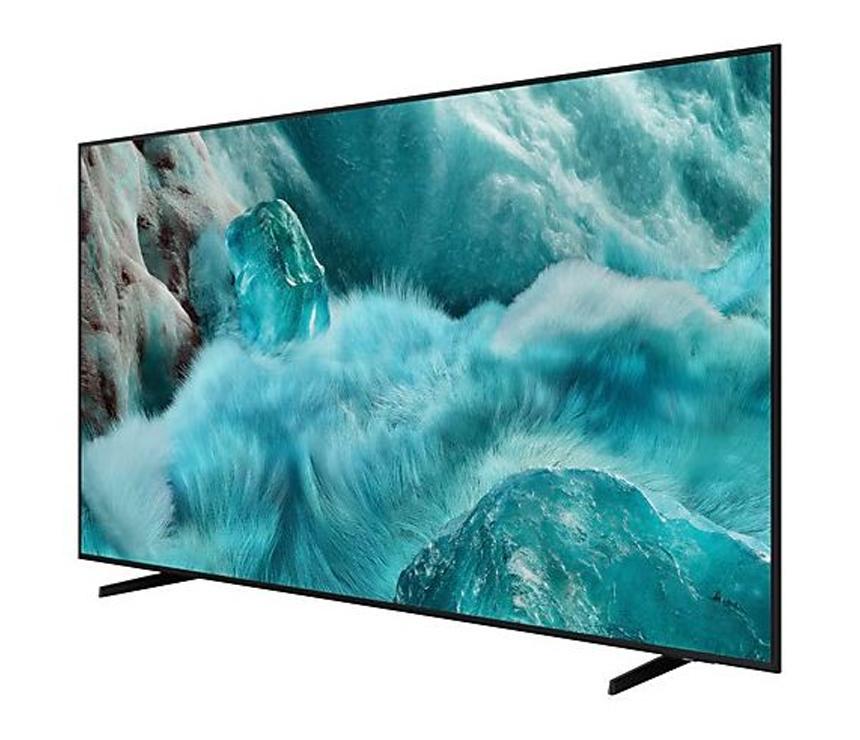
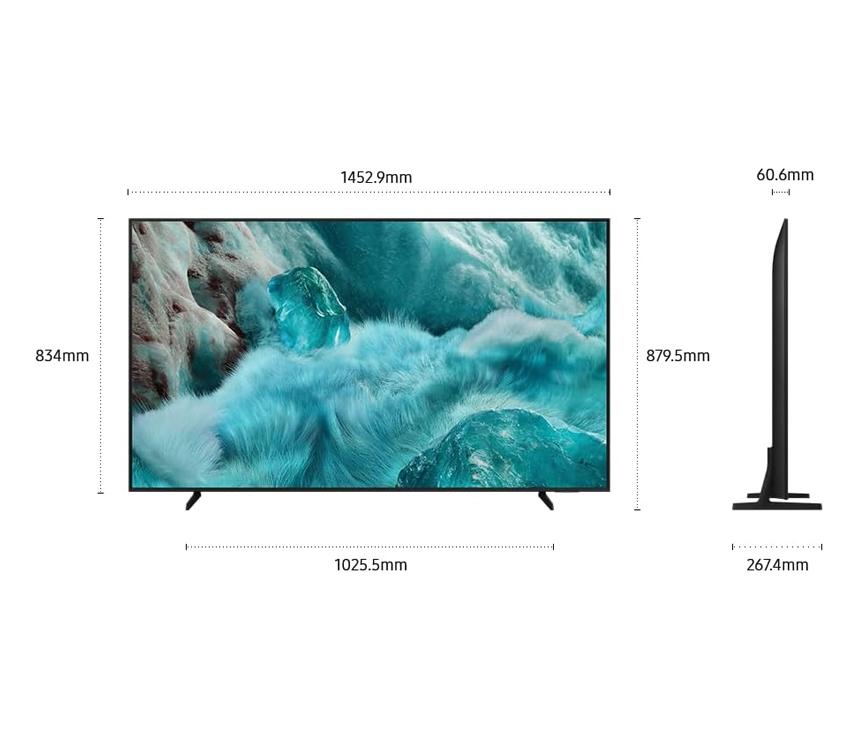
Samsung 65” QLED 4K UHD Tizen Smart TV | QA65Q7FAARSER

Reviews

Model:

65Q7F
BDT 154,900175900

SHARE:

Enjoy your endless entertainment with Samsung Vision AI

Key features at a glance

 
Q4 AI Processor, 100% Color Volume with Quantum Dot, Brightness color volume and VDE tested logo. Samsung Knox Security secured by Knox, Endless Free Content.

The words Samsung Vision AI with the Samsung AI logo.

Companion that enriches your life

A smarter voice assistant

A smarter voice assistant

Bixby

With updated intelligence, Bixby in your Samsung AI TV is the perfect center of your AI home. It can process multiple commands at once, and it's better at grasping the wider context. Enjoy smoother conversations, easier searches, more intuitive reactions and seamless device control.1

Three TVs play audio differently, indicated by audio bars above the TVs, optimized for the type of content being played.

Enjoy sound optimized to your content

Adaptive Sound

Adaptive Sound has audio scenic intelligence that optimizes sound based on real-time scene analysis by content type.

Unlock your imagination, Choose your keyword theme, Nature, Party mood, Seize your day, Happy Holiday, Deco, Inspire me. Seize your day click. What appeals to you? 3 images, Regenerate, Restart. Regenerate click. 3 new images. Middle image click. Selected image has been saved. AI-generated content.

Make your own mood-matching wallpapers with AI

Generative Wallpaper

Choose keywords for the ambiance you want, and let AI work its magic. Your TV will generate beautiful, one-of-a-kind images that can change the atmosphere of your home.2

Feel the power of AI in 4K

Q4 AI Processor

Samsung’s AI processor helps optimize any viewing and sound experience for 4K TVs.

black line

Picture Quality

 
Picture Quality

A billion shades of color

100% Color Volume with Quantum Dot

Real Quantum Dot technology delivers our finest picture ever. With Color Volume 100%, Quantum Dot takes light and turns it into breathtaking colors that stay true at various level of brightness.

1 pixel black line

Real Colors, Real QLED. You deserve nothing less.

Vibrant and accurate colors amplified by Samsung's Quantum Dot sheet without cadmium that delivers 100% color volume.

 
Real Colors, Real QLED. You deserve nothing less.

More about
Picture Quality

 
More about Picture Quality

With Color Booster Pro OFF, the colors on screen looks dull. With Color Booster Pro ON, the same scene looks more vivid.

Intelligently enhanced color expression

Color Booster Pro

AI recognizes each scene and enhances color expression accordingly, so your viewing experience becomes more vivid and dynamic.

The sun is setting over a wide field with emphasis on a large hay stack. The scene after applying HDR technology is much brighter and crisper than the SDR version.

Wider range of contrast on a cinematic scale

Quantum HDR

Experience the full power of every image with Quantum HDR, which brings out detail and contrast. The dynamic tone mapping of HDR10+ creates deeper blacks, more vibrant imagery and details that always shine through.3

A dog wrapped around a colorful blanket is on display.

Enjoy a full range of authentic colors

PANTONE Validated

As a trusted symbol of color fidelity by industry experts, ‘PANTONE Validated' certifies the accurate expression of 2,140 PANTONE colors and 110 newly-added skin tone shades. So you can be sure that you're getting a rich, true-to-life viewing experience.4

4K Upscaling

Watch your favorite content in 4K

4K Upscaling

Our powerful 4K upscaling technology ensures you get up to 4K resolution for the content you love.5

Gaming Experience

 
Gaming Experience

A dirt bike racer looks clear and visible inside the TV screen because of TV motion xcelerator technology.

Improved picture clarity with smooth motion

Motion Xcelerator

Experience a clear picture as your TV estimates the movement between frames, then uses that information to improve motion smoothness for subsequent frames.

The TV's AI detects that the game on screen is an RPG and optimizes various settings to match. The screen changes over to a sports game. The TV's AI detects the new game genre and re-optimizes the settings to match.

Seamless AI-driven game optimization

AI Auto Game Mode

Let your TV detect the type of game you're playing and optimize the settings. You can free yourself from the usual setup hassle and just play.6

Game Bar

Fine-tune your game settings as you play

Game Bar

Optimize your gameplay even more with Game Bar. Samsung TVs give you a handy in-game menu for settings like FPS, input lag, minimap zoom and more. It also lets you apply ultra-wide aspect ratios of 21:9 and 32:9 to expand your view on bigger screens.7

Hue Sync

Immersive lighting that syncs with your game

Hue Sync

Create a dynamic atmosphere with smart lights that sync to your content. Samsung TVs can analyze the colors and movements on screen, then signal to Hue lights for matching effect — resulting in an incredibly immersive viewing experience.8

Sound

 
sound

Q-Symphony

TV and soundbar play together in smooth harmony

Q-Symphony

Surround yourself with beautifully orchestrated sound. Samsung technology syncs the TV and soundbar audio to play simultaneously — without muting the speakers of either device.9

A TV depicts a scene of a train passing by a scenic outdoor location. As it does, sound waves appear near where the train touches the tracks, indicating the noise within the scene.

Immersive virtual sound that tracks the action

Object Tracking Sound Lite

3D surround sound with our virtual top channel audio allows you to be immersed in the audio experience.

One UI Tizen

 
One UI Tizen

Personalize your screen experience

One UI Tizen

One UI Tizen provides a personalized screen experience. With Samsung Tizen OS, it delivers all the latest innovative Samsung features. Your experience is also secured by Samsung Knox across SmartThings devices. Plus, One UI Tizen will support Tizen OS upgrades for the next 7 years.

One UI Tizen’s home screen, with the various apps and services available, is displayed on a TV in a living room.

Enjoy 7 years of
new TV experiences
for free

 
A dark gradient background with a metallic badge displaying ‘7 Years OS Upgrade for Free’ in bold text and ‘One UI Tizen’ in the bottom left corner.

Access free channels with Samsung TV Plus

Endless Free Content

Access free channels, including Samsung TV Plus premium channels. Enjoy news, sports, movies, entertainment, music, kids’ shows and more. With new content continuously added, there’s always more to explore.

Your privacy. Secured.

Samsung Knox Security

Your privacy is secure on Samsung TVs. Sensitive data like passwords are protected, connected IoT devices are monitored and malicious apps and sites are automatically blocked. Plus, Samsung's security team helps keep your TV safe with constant updates.10

Samsung Knox Security

More about
One UI Tizen

 
More about One UI Tizen

A TV screen displays the Samsung Art Store, which shows several different options for paintings.

Find world-famous galleries in your TV

Art Store

Find your ideal artwork from the world’s leading museums and artists. Discover new art pieces with relevant and timely selections that complement each season, holiday and mood.11

Samsung TV Plus

The best of TV. All for free.

Samsung TV Plus

Dive into a vast collection of shows, movies and other content on Samsung TV Plus. It comes installed for free on your TV — no payment, subscription or setup required.12

The home screen for Samsung Daily+ shows apps and services. The screen scrolls down to highlight the Most Used smart devices. Screen scrolls up and shows the category switching from Featured to Health. Scrolls back down to show the Workout Tracker options. The Galaxy Watch 6 option is highlighted.

Elevate your day with curated lifestyle experiences

Samsung Daily+

Find apps and services for health, work and lifestyle on Samsung Daily+. You can access SmartThings, Workout Tracker, karaoke and more, all in one place.13

SmartThings

 
SmartThings

Connect and manage your smart home devices, all from your TV

SmartThings

With a built-in smart hub, your TV can connect and control smart devices — even those requiring Matter and HCA compatibility. You can also get notifications about your devices straight from the screen, including a 3D Map View that shows your entire smart home system at a glance.

More about
SmartThings

 
More about SmartThings

Man wearing a Galaxy Watch watches TV in a living room. He moves his hand back and forth to play the video on the screen.

Gestures to control with your watch

Universal Gestures

Easily control your TV with your smartwatch. Just wear your Galaxy Watch and use hand gestures, like pinching to select an option, or moving your wrist back and forth for pause and play.14

AI Energy Mode

Save energy with intelligent analysis

AI Energy Mode

Energy saving made easy with SmartThings. By turning on AI Energy Mode, it auto detects surrounding light levels and analyzes usage behaviors to adjust the brightness. Also, it analyzes the content scene-by-scene to subtly adjust brightness where possible, to manage energy consumption.15

A Galaxy smartphone displays Quick Remote mode, which is used to increase the volume of a nearby TV as it shows a scene of a woman playing guitar.

Control your TV from your phone

Quick Remote

Through your mobile device, you can access key Samsung Tizen TV features such as media, features, ambient mode and menu. Quick Remote can also act as your TV remote, allowing you to change channels, adjust the volume and more right from your phone. 16

A woman sings into her phone, while the TV behind her displays karaoke lyrics. Her friends smile in the background.

Transform your TV into a karaoke stage

Karaoke

Have fun with friends and family with the karaoke feature in Samsung Daily+. You can even connect your phone to use as a mic. No need for any separate equipment — your singing setup is already here.17

Design

 
Design

A stylish design for your space

Slim Look

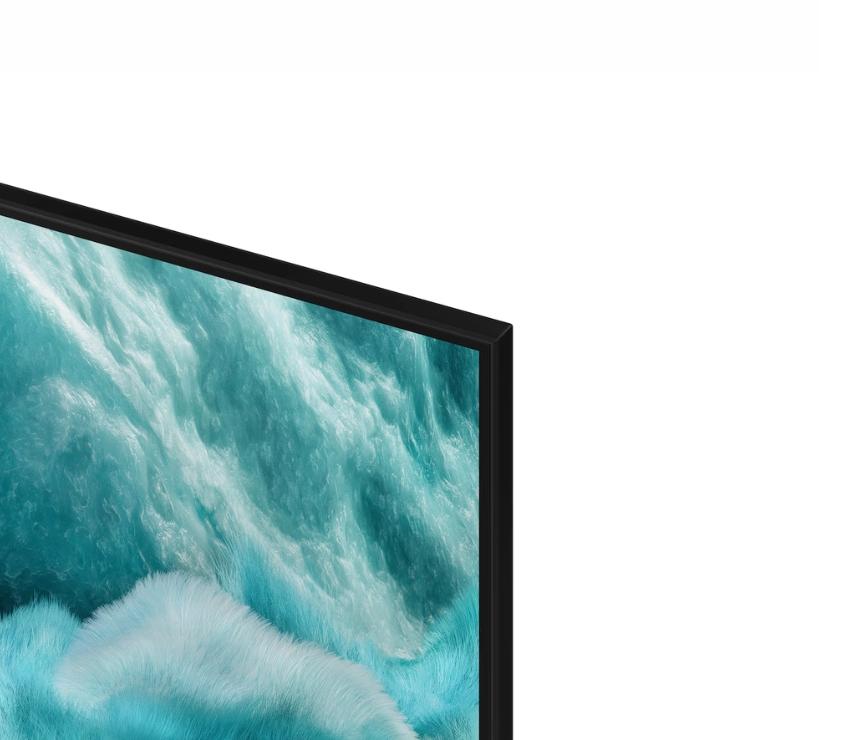
This beautifully slim design blends into your decor, elevating your style without taking it over.

Adjust your TV with more freedom

Adjustable Stand

Get an optimal viewing experience by easily adjusting the spatial position of the TV as desired with the Adjustable Stand. It's also perfect for fitting a soundbar underneath.18

Sustainability

 
Sustainability

Charge it with light

SolarCell Remote

With a solar panel on its back, our SolarCell Remote is charged by light — no need for disposable batteries. And with smart features like a built-in microphone and voice assistant, this remote is innovative in more ways than one.19

SolarCell Remote

 
1 pixel line

Best TV Price List in Bangladesh (BD) for October, 2026

Product ModelPrice

Questions About This Product (0)

Other questions answered by Samsung 65” QLED 4K UHD Tizen Smart TV | QA65Q7FAARSER (0)

Our Showrooms

‌
‌
‌
‌
‌
‌
‌
‌
‌
‌
‌
‌
‌
‌
‌
‌
‌
‌
‌
‌
‌
‌
‌
‌