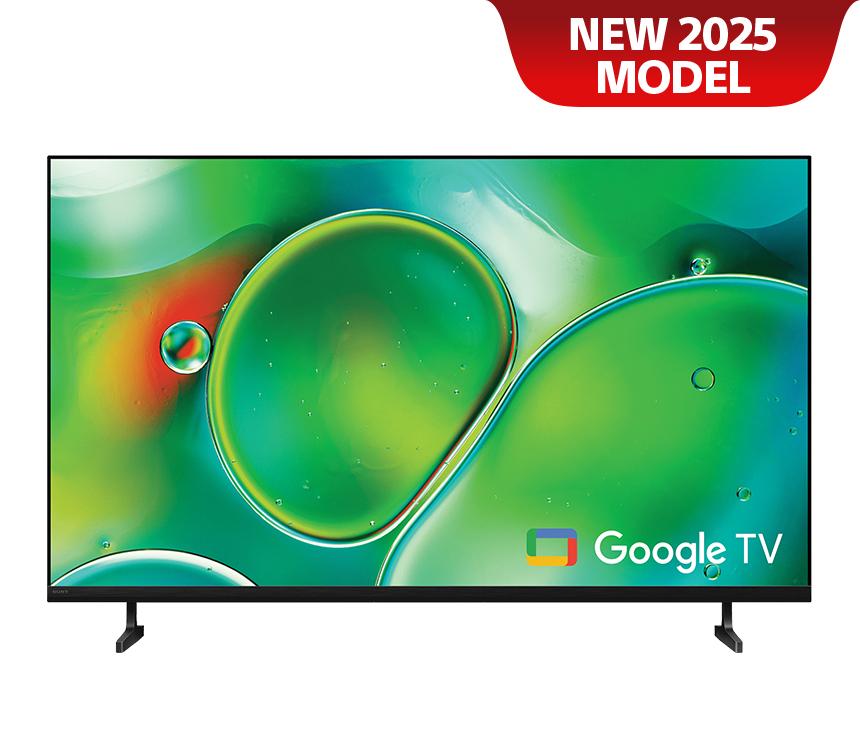
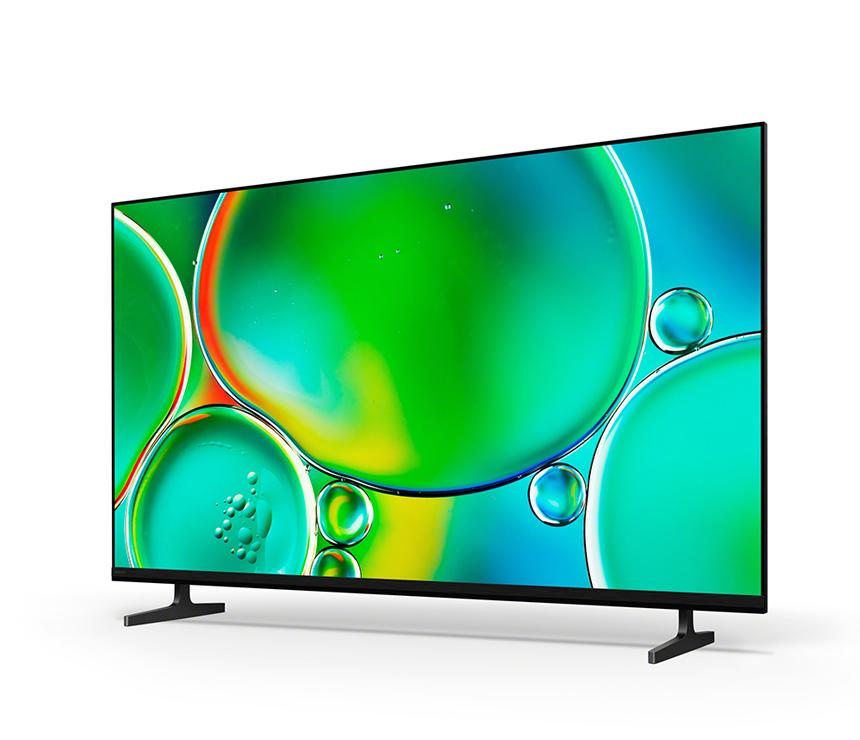
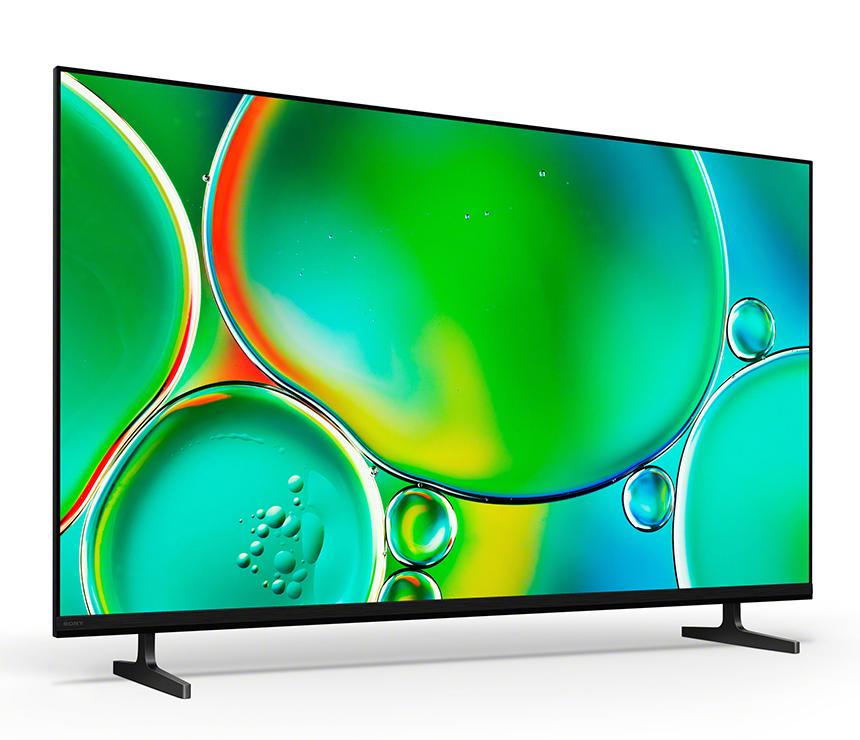
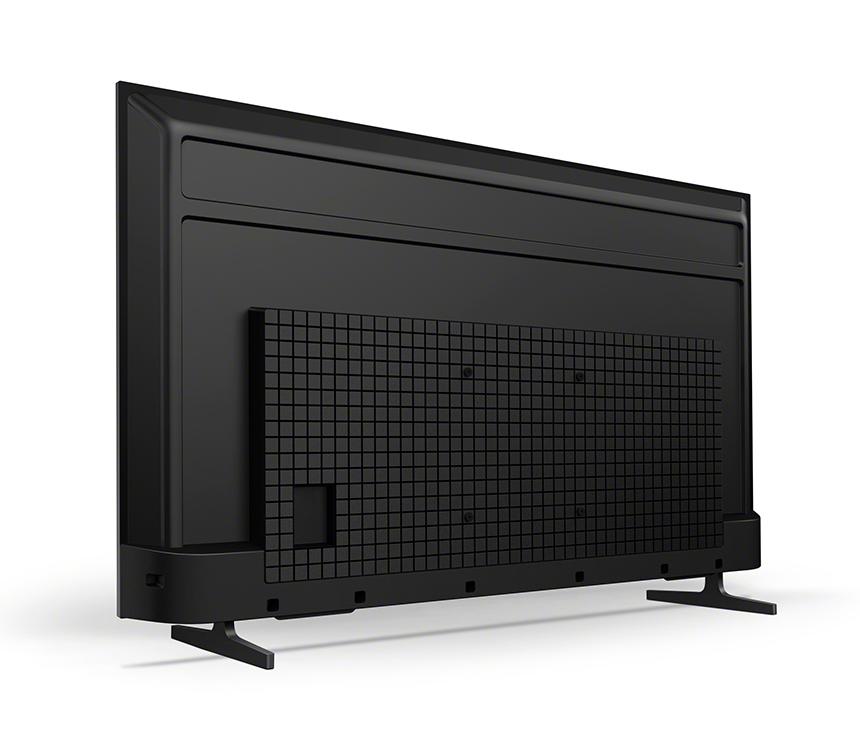
Sony 50 Inch | BRAVIA 2 II | 4K Processor X1™ | 4K Ultra HD | High Dynamic Range (HDR) | Smart TV (Google TV)
Model:
K-50S20M2SHARE:
Smart
Everything you stream. All on one screen.
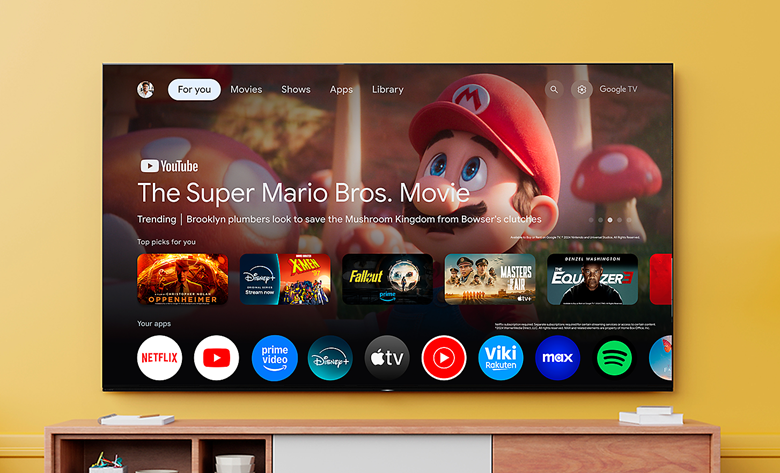
Browse 400,000+ movies and TV episodes from across your streaming services, all in one place and organised into topics and genres based on what interests you.123
Content
Over 10,000 apps and games, straight to your TV
Turn on and tune in, all at once. With dedicated buttons for your go-to apps, you can skip the TV warm-up and dive right into the action.45678910
Control
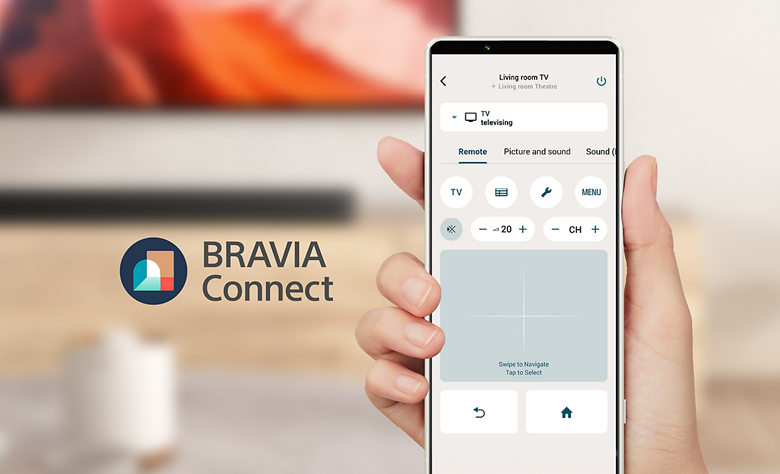
Sony | BRAVIA Connect app
Control BRAVIA and BRAVIA Theatre from your smartphone. With the BRAVIA Connect app, you can adjust volume and settings and even check your set up without using the remote or on-screen menu.111213
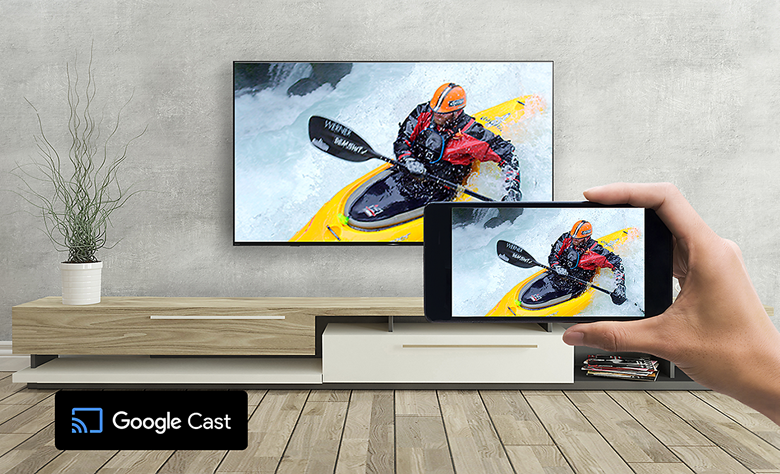
Google Cast™
Stream from your device. Easily cast movies, shows, photos, and more from your phone or tablet, right to your TV.1415
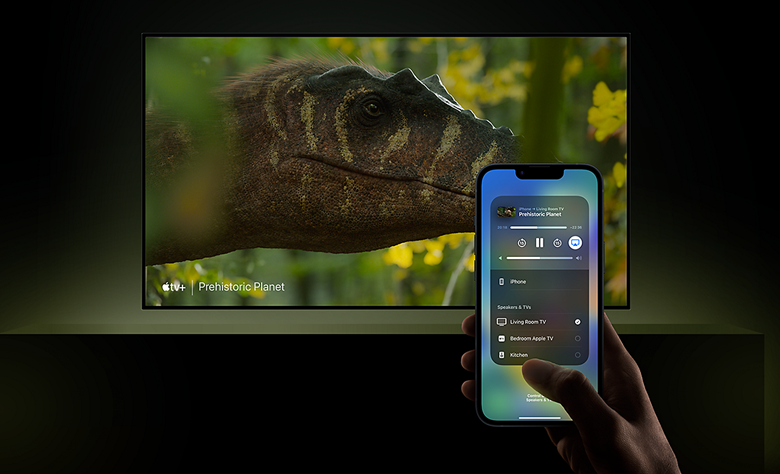
Compatible with Apple AirPlay 2
Stream effortlessly to your TV from your iPhone, iPad or Mac. Watch movies from apps or Safari. Share photos with friends in the room.16
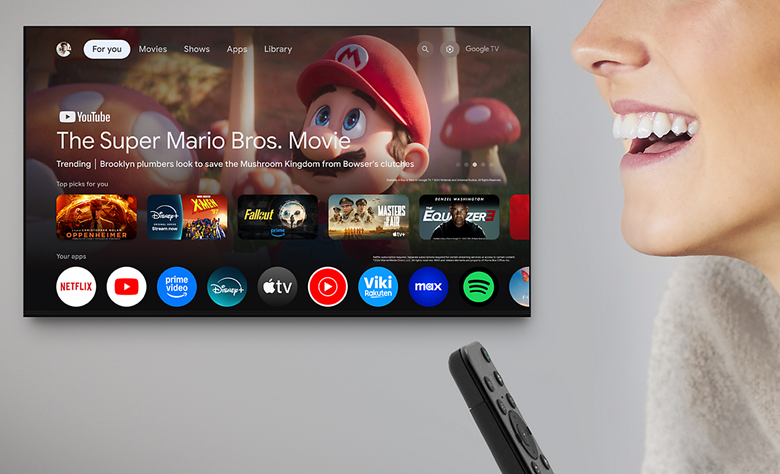
Say what you want to see
Find favourites faster with voice search. Jump right to a show or movie just by saying it or try browsing with a voice search like “find action movies”. Press the voice button on your remote to get started.17318

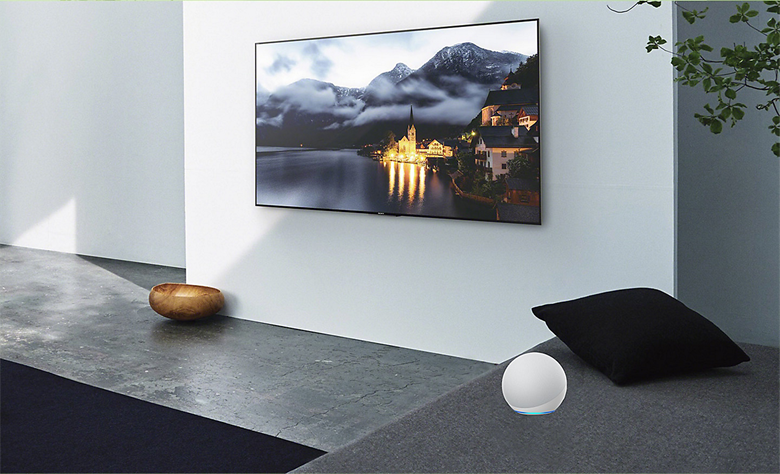
Connect with your Alexa
Connect your Alexa enabled devices for seamless hands-free control of BRAVIA. With Alexa, you can power up your TV, change channels, control volume and more.192010
Remote
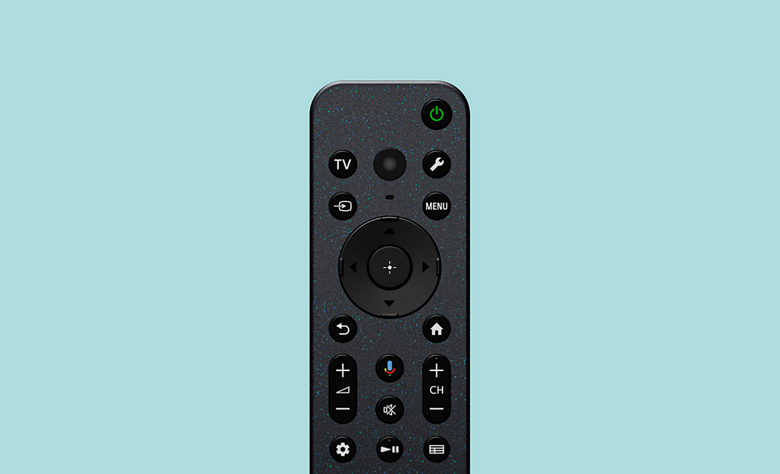
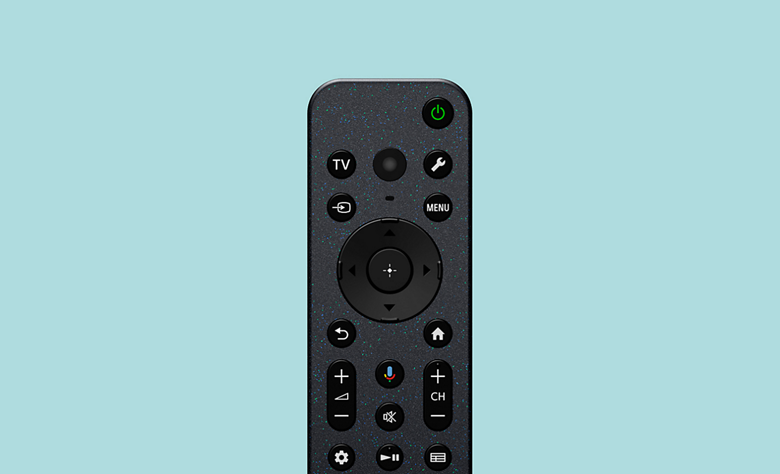
Easy to clean and use. Made with recycled plastic.
Controls everything. Our compact remote uses approximately 80% recycled plastic. Yet it’s easy to clean with a flush surface and polyurethane coating, and controls your connected devices.2122232425

Accessibility Technology on Google TV
You can use a screen reader, closed captions, Switch Access, and more to make your Google TV device more accessible.
Picture
All your favourites, upgraded to clear 4K pictures
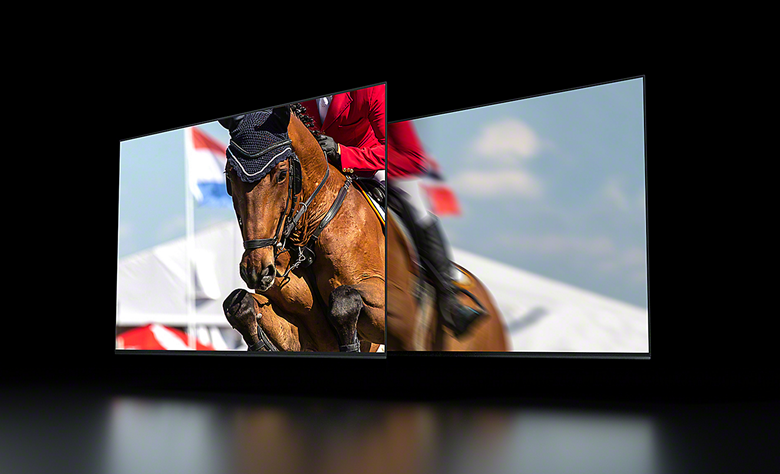
Watch old favourites in close to 4K quality. Our 4K X-Reality™ PRO analyses, cleans and refines images using our unique 4K database so you can indulge in stunning pictures from virtually any content.

Every image, alive with vivid colours
See natural shades and hues. Live Colour expands the colours of images to the reproducible colours of the TV so everything you see looks vivid and real.

Fast-moving action. Clearer and smoother.
Enhanced clearness and smoothness when watching fast-moving action. Motionflow XR increases the number of images seen every second for smoother motion while controlling LED backlighting and reducing image blur for clearer pictures.
Sound
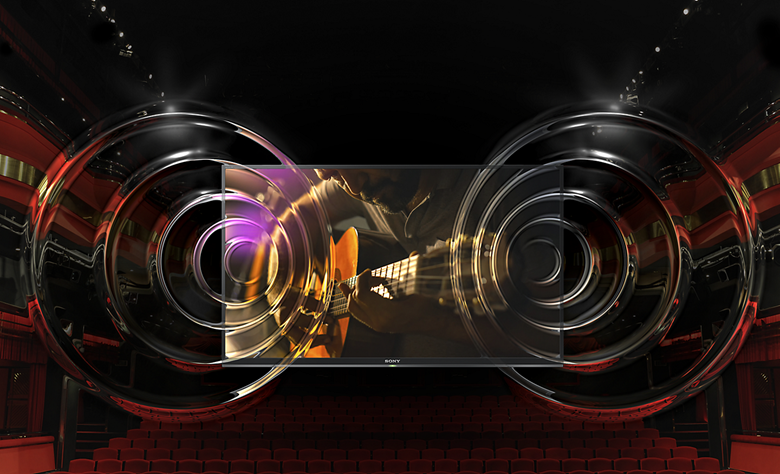
Elevated with Dolby Atmos® and DTS:X®
Dolby Atmos® and DTS:X® turn sound into an experience. Hear every whisper, every explosion, as if you’re inside the scene.
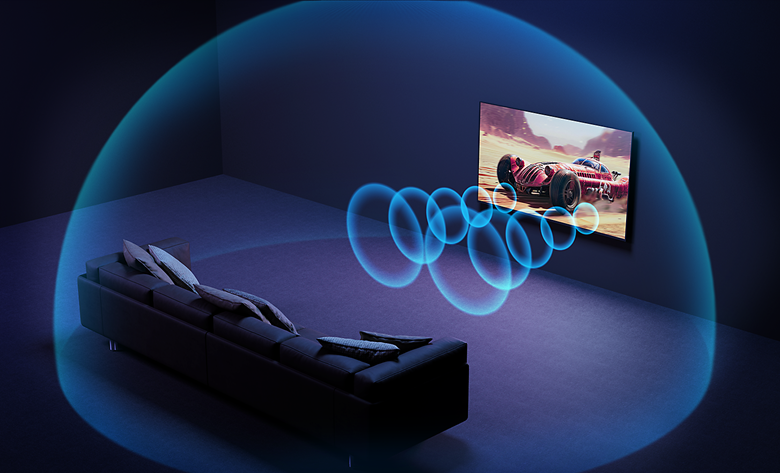
Every sound. Clear and precise.
Clear and expansive audio quality. Our unique Clear Phase adjusts the time alignment of sounds at certain heights and evens out their volume for acoustic harmony.
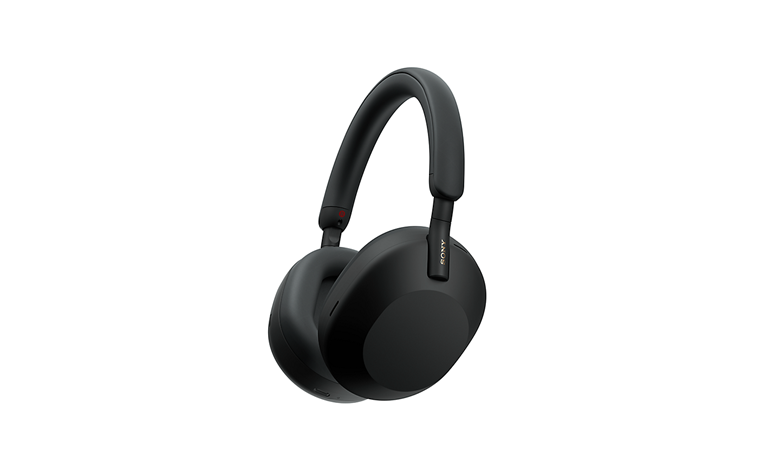
Touch and control from your headphones
Control your BRAVIA with a tap. Play, pause, skip, or adjust the volume directly from your connected Bluetooth headphones, so you can stay immersed in your content without reaching for the remote.1
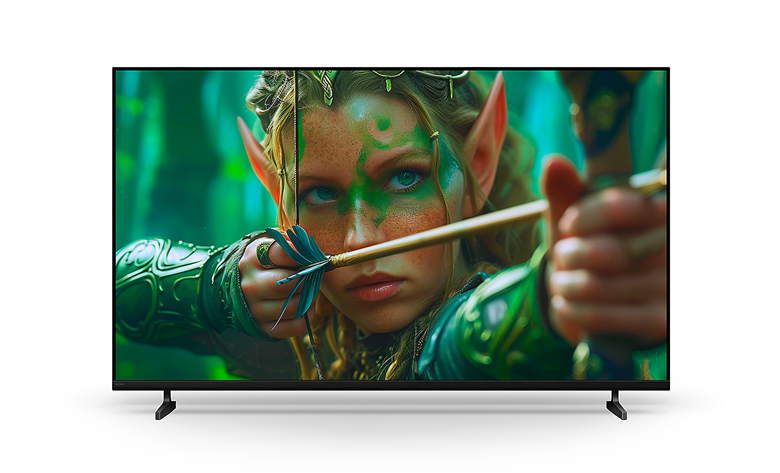
Design
Slim look. Everyday fun.
Beautifully designed for fun-filled entertainment. This TV with a Flush Surface design fits harmoniously in your living space and blends with a variety of contemporary décor.
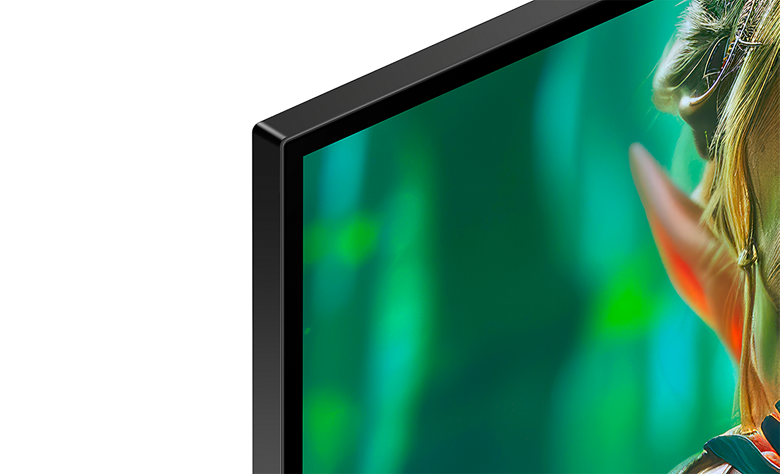
Flush Surface. Enthralling viewing.
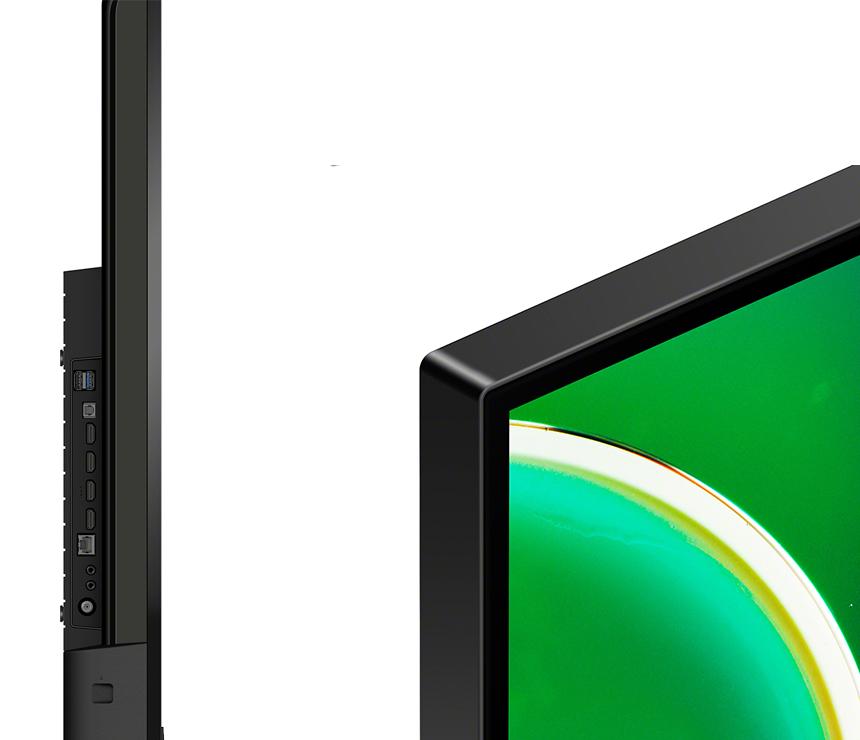
Form and function, beautifully combined. Our unique Flush Surface design gives the TV a clean, contemporary look. This is beauty that doesn’t get in the way of your viewing.
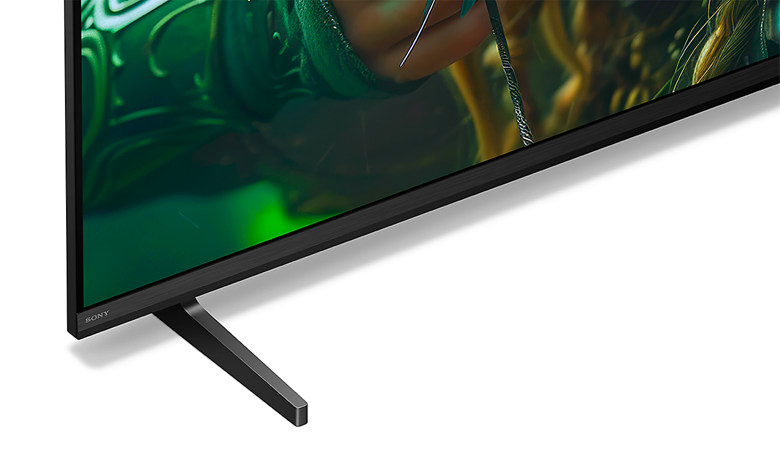
Slim T Shape Blade Stand
Harmonises with your room and décor. Our Slim T Shape Blade Stand perfectly matches the TV and your living space.
Game
Jaw-dropping graphics. Immersive soundscapes. Game on.
Be right at the heart of the action with BRAVIA. Awe-inspiring scenes, atmospheric sound and exclusive features bring your go-to games to life like never before.1234
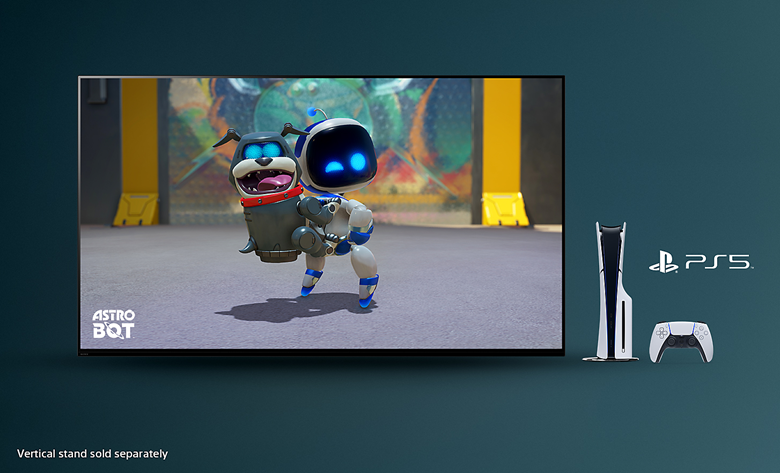
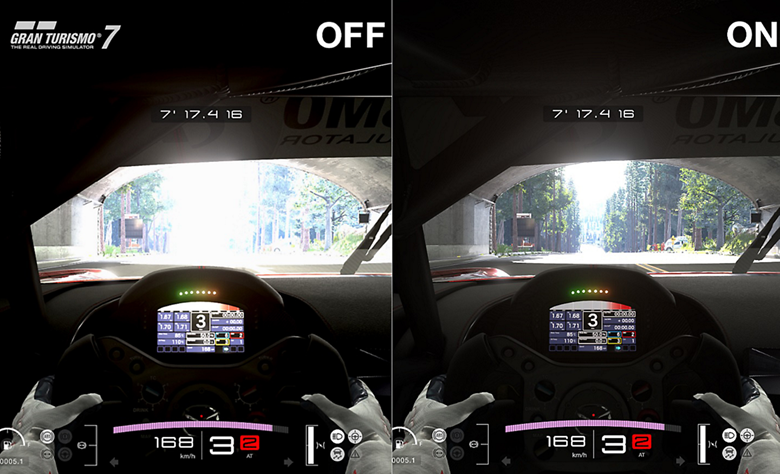
Auto HDR Tone Mapping
Auto HDR Tone Mapping instantly optimises HDR settings during your PS5® and PS5® Pro console initial setup. Even in dark shadow and bright highlights, you’ll see fine details and true colours.523
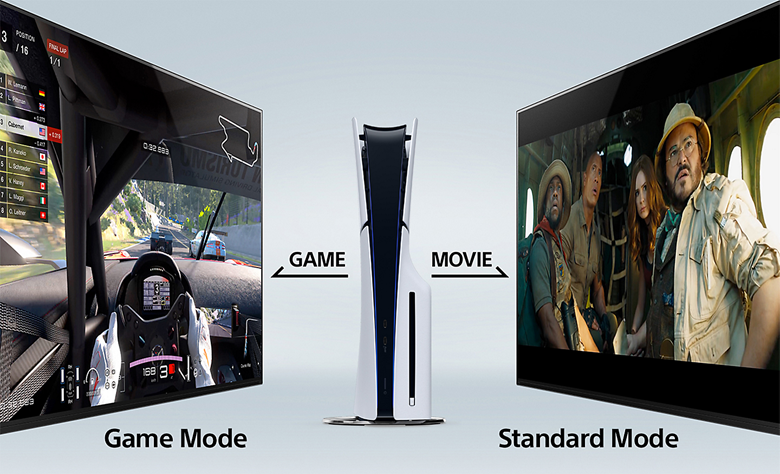
Auto Genre Picture Mode
BRAVIA automatically switches into Game Mode with PS5® and PS5® Pro consoles to minimise lag and maximise responsiveness. It switches back to Standard Mode when watching movies for more expressive scenes.674
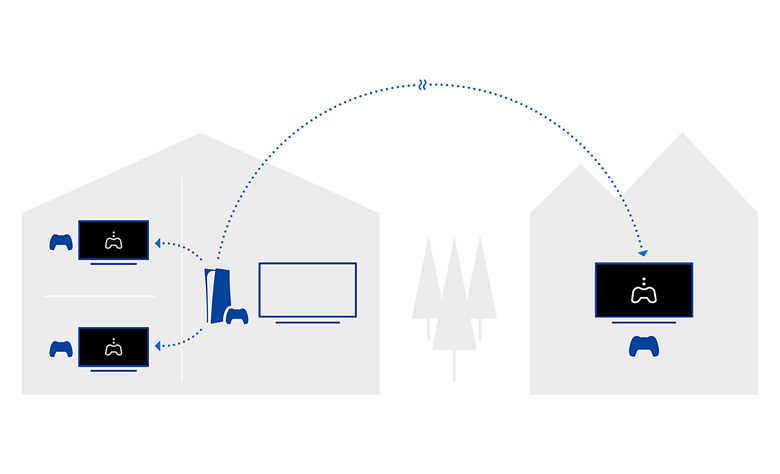
Stream PlayStation® games to your BRAVIA
Control your PlayStation® remotely wherever you have a compatible BRAVIA connected to the internet. The PS Remote Play app lets you control your PS5®, PS5® Pro or PS4™ console from another room or location like a friend's house.89
One place for all your game settings
Never has it been easier to fine-tune your game status, settings and assist functions. All the essentials are at your fingertips for ease and comfort.101113
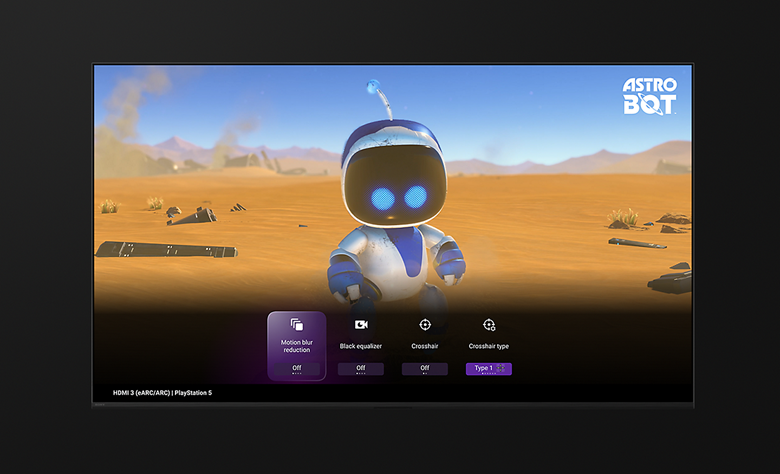

Various features in HDMI 2.1
With Auto Low Latency Mode (ALLM), our TVs give you smooth and clear movement for responsive gameplay.
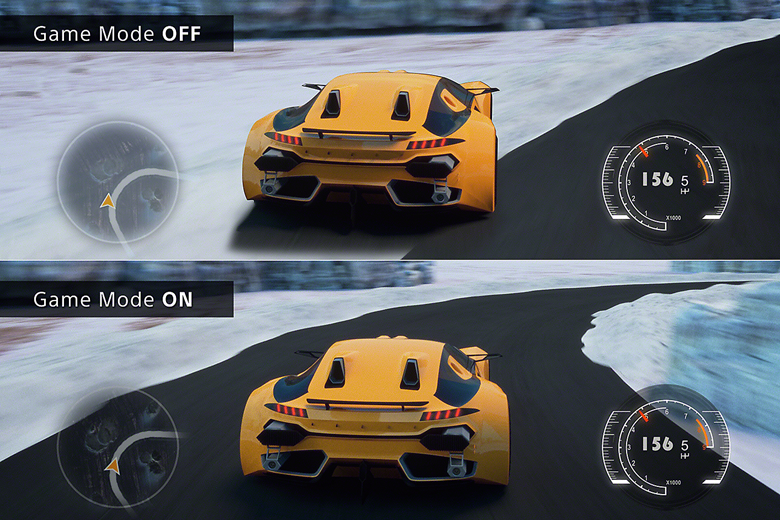
Auto Low Latency Mode (ALLM)12
Environment & Accessibility
Love the planet, smart for all
BRAVIA is designed to harmonise with people’s needs while respecting natural resources. We're accelerating our accessibility initiatives, enabling people who are blind or deaf to use Sony’s devices, and expanding our environmental initiatives by incorporating recycled plastic into our products. Entertainment becomes more inclusive and enjoyable for all.

Environment
Balancing environment and entertainment
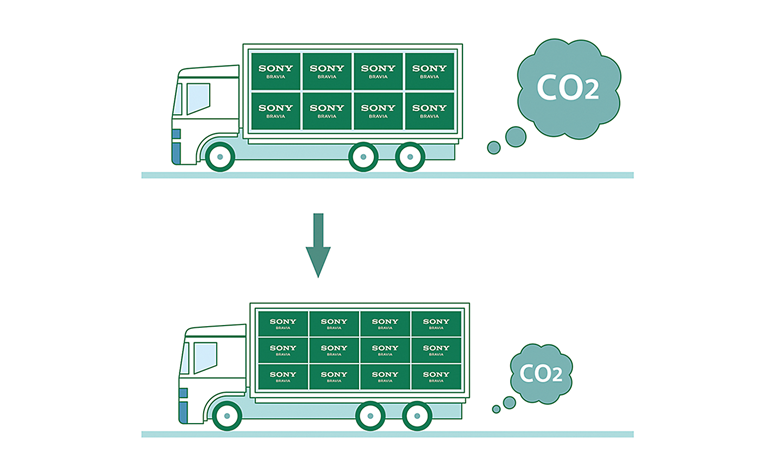
Less environmental impact, more immersive pictures and sound. BRAVIA™ helps you optimise energy consumption with the Eco Dashboard 2 while reducing CO2 emissions by 12%, cutting packaging size by maximum 15% and total weight by maximum 23%.12
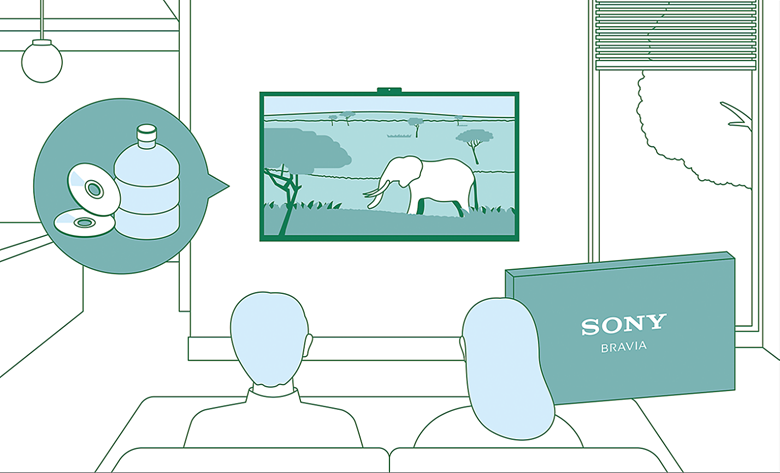
Aiming to achieve a smaller footprint
Our Road to Zero initiative aims to reduce environmental impact at every stage of our business. By 2050, we’re striving for zero environmental footprint—driven by innovation and sustainability.

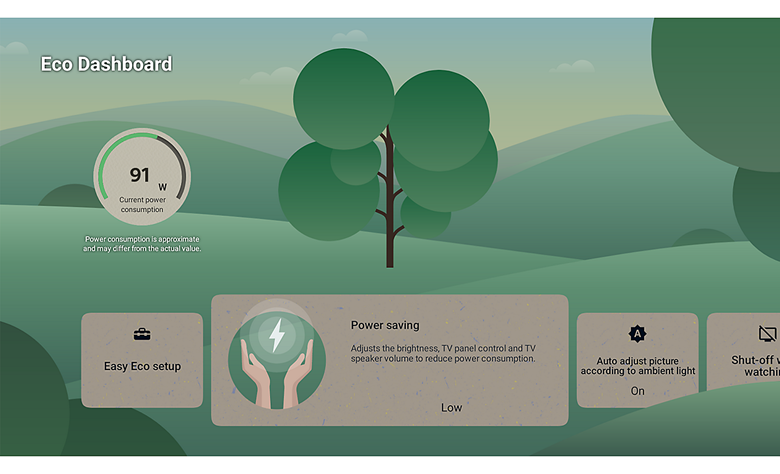
Check your eco settings. See your power usage.
Easily change eco settings, individually or in one go. Eco Dashboard 2 puts everything conveniently in one place and can even monitor your power consumption for optimum efficiency.3
Easy to clean and use. Made with recycled plastic.
Controls everything. Our compact remote uses approximately 80% recycled plastic. Yet it's easy to clean with a flush surface and polyurethane coating, and controls your connected devices.45678
Less packaging. Less CO2.
Our packaging is maximum 15% smaller and maximum 23% lighter which optimises transport efficiency and reduces CO2 emissions by as much as 12%.12
Accessibility
Accessibility for all, whatever your needs
Technology that adapts to you. No matter your age, ability, or environment, we make it easier for everyone to see, hear, and enjoy the best of entertainment.
See our accessibility initiatives

Initiatives at Sony
Sony leverages creativity and technology to enhance the accessibility of our products, services, and experiences. Through our commitment to an inclusive future, we aim to create a world where everyone belongs.

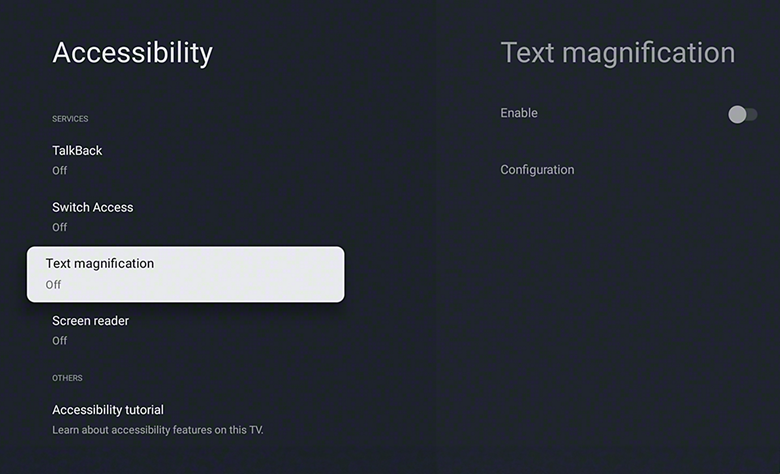
Talkback and text magnification functions
Talkback allows you to check the TV programme guides on screen or to change TV settings without looking at the screen, while the Text Magnification will display an enlarged version of the focused text at the bottom or top of the screen.91011
Accessible for all
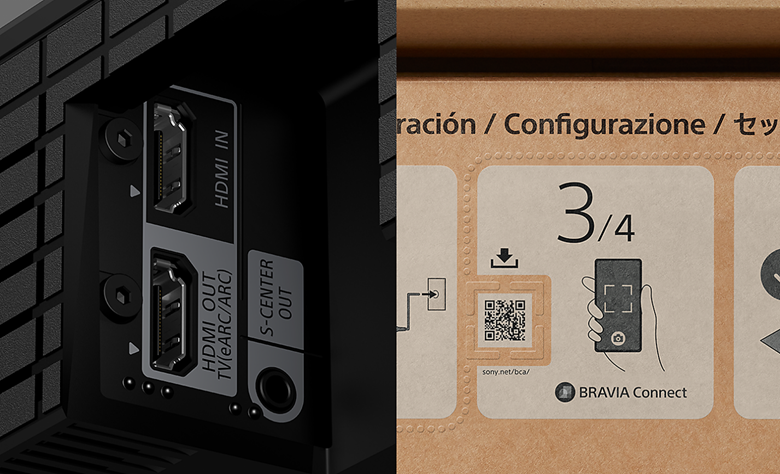
To help people who are blind or have low vision set up the soundbar, tactile dots indicate a QR code for the BRAVIA Connect app, which offers screen reader support. Tactile dots on the back panel indicate the eARC HDMI terminal for connecting to a TV.12
Colour inversion
Invert the brightness of colours so that bright areas become dark, and dark areas become bright. This feature can be turned on or off as needed. If the text is easier to read with a dark or bright background colour, you can use Colour Inversion to change the background colour.

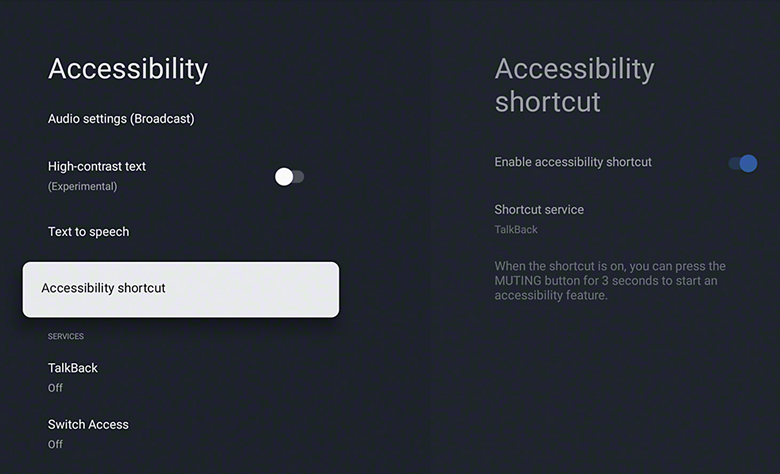
Accessibility shortcut
Accessibility shortcut allows you to quickly and easily turn your accessibility features on or off by long-pressing the mute button on your remote control. You can assign an accessibility feature you use the most to this shortcut.
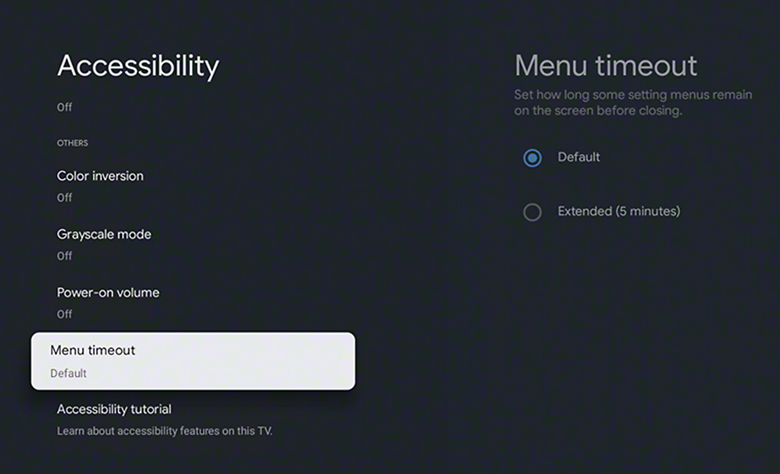
Menu timeout function
Menu timeout can be used to extend the display time of a notification.
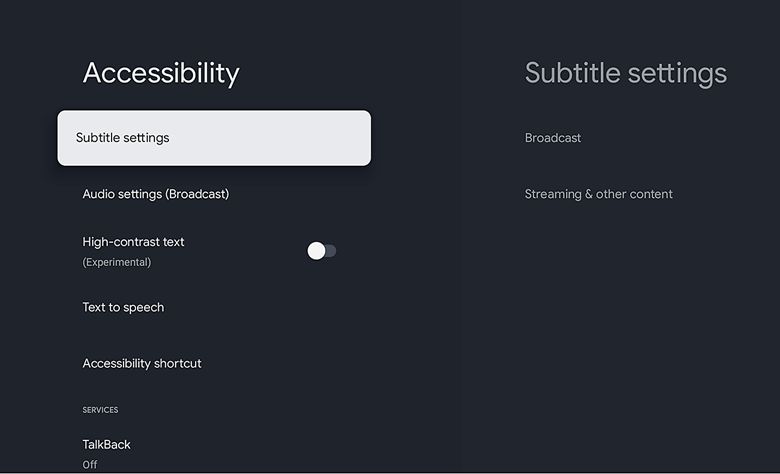
Subtitle
Closed captions provide on-screen transcriptions of spoken words and sound effects in your favourite shows and movies. Use the subtitle settings to capture every detail and make content accessible.
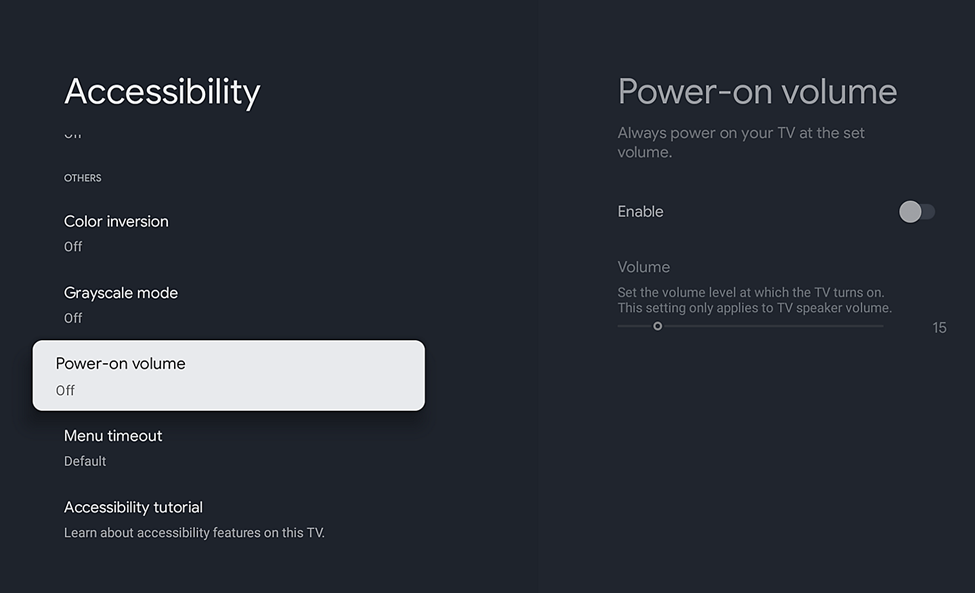
Volume preset. No more loud surprises.
The Power-on Volume feature ensures your TV always starts at a pre-set, comfortable level, even after it’s been turned up. Enjoy consistent audio every time you power on.
Display Size | |
Panel Type | |
Native Resolution | |
HDR Support | |
A/V Inputs | |
A/V Outputs | |
HDCP Support | |
Wireless | |
Ethernet I/O | |
Virtual Assistant | |
Smart TV |
Display Size | |
Panel Type | |
Aspect Ratio | |
Display Orientation | |
Native Resolution | |
Lighting System | |
HDR Support | |
Auto Low Latency Mode (ALLM) | |
Viewing Angle (H x V) |
TV Tuner |
A/V Inputs | |
A/V Outputs | |
HDCP Support | |
Wireless | |
USB I/O | |
Ethernet I/O | |
Other I/O | |
Multi-Input Support (PIP/PBP) |
Built-In Speakers |
Virtual Assistant | |
Smart TV |
Power Consumption | |
Input Power |
Remote Included | |
Certifications | |
VESA Mounting-Hole Pattern | |
Dimensions | |
Weight |
Package Weight | |
Box Dimensions (LxWxH) |
Best TV Price List in Bangladesh (BD) for October, 2026
| Product Model | Price |
|---|